Many merchants have asked whether they can generate multiple gift codes in advance—without sending them directly to customers right away. The answer is yes. With GV, you can easily create and manage gift codes for future distribution.
Follow the steps below to generate your codes:
Prepare Your CSV File
Download the sample CSV file from the Issue Gift Card feature.
Enter your own information (name and email) as the recipient for each code.
Create 20 rows (or as many as needed) and specify the preferred expiry date—either “no expiry” or a specific date.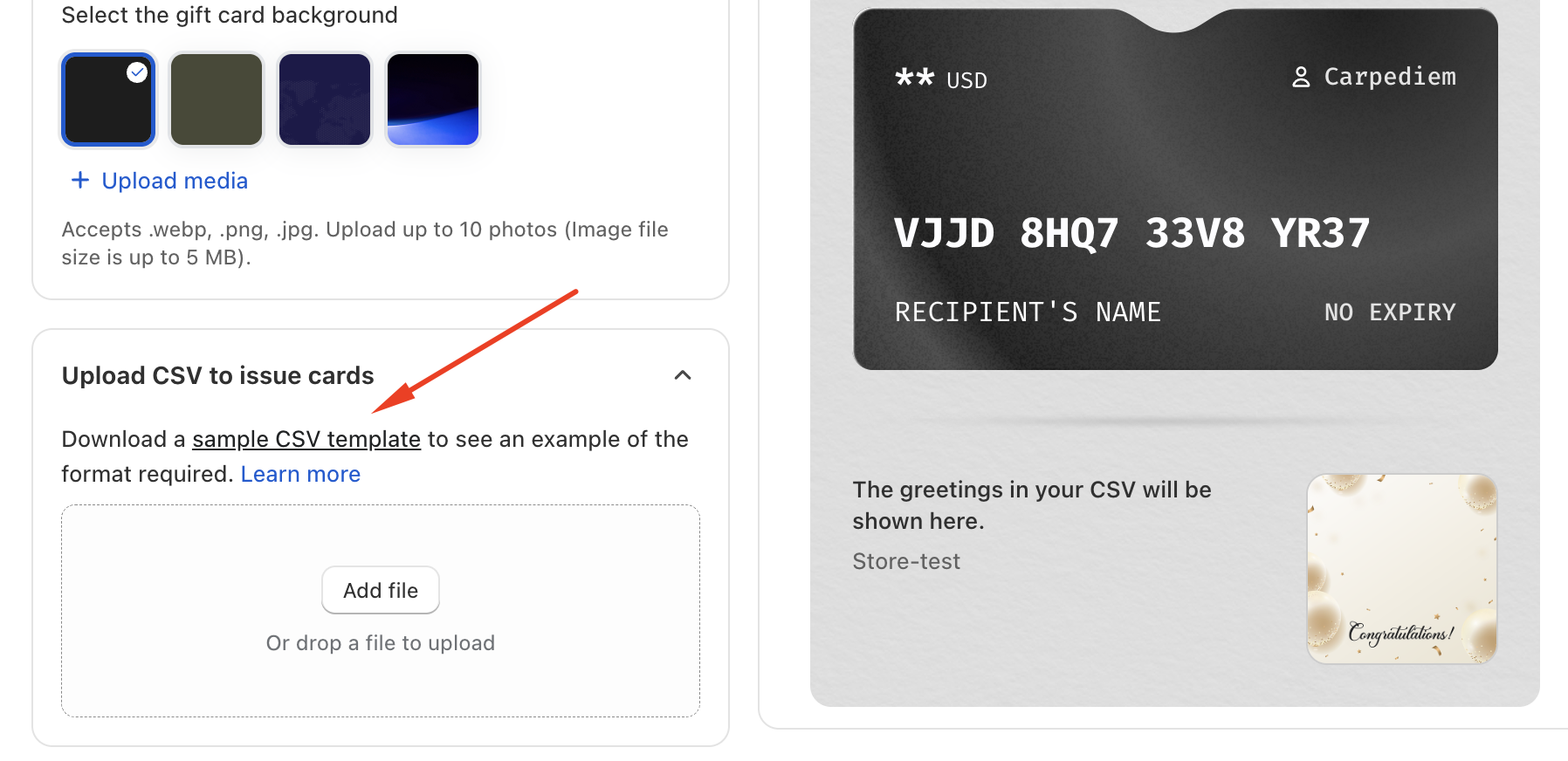
Receive the Gift Codes
Once the CSV is uploaded and processed, you will receive the gift codes directly via email.Distribute the Codes Manually
You can then copy and deliver these codes to your customers at any time, using your preferred communication method.
Should you need any further assistance, please do not hesitate to contact us at support@govalos.com
Was this article helpful?
That’s Great!
Thank you for your feedback
Sorry! We couldn't be helpful
Thank you for your feedback
Feedback sent
We appreciate your effort and will try to fix the article