Please note that the images used in the Gifting module and the Gift Card product are not linked to each other. As a result, updating an image in one area will not automatically update it in the other. To ensure the correct image appears in your store, you’ll need to set up and manage media separately in each relevant section.
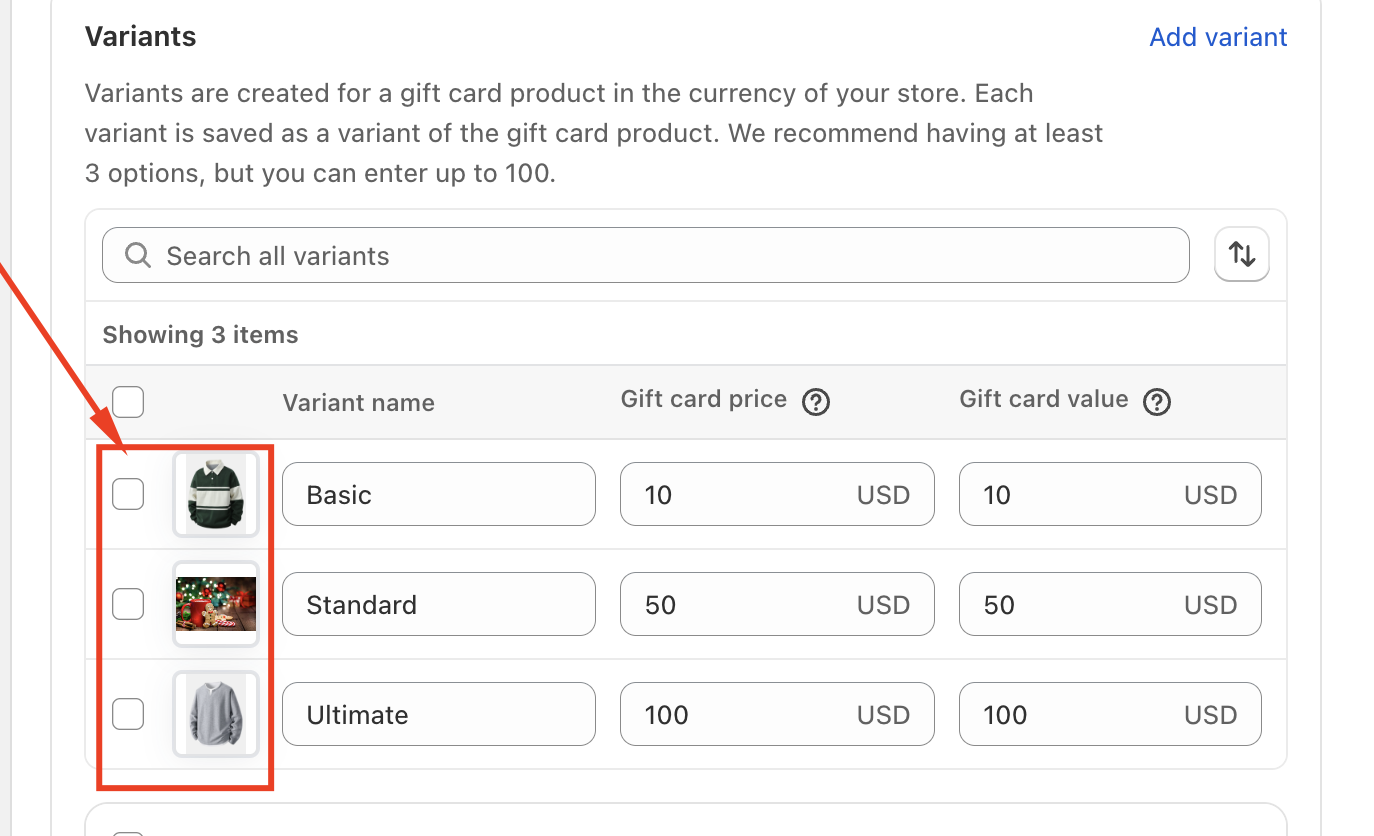
If you are trying to update the image shown for a specific gift card variant, please make sure you update the image directly within the Gift Card product section in app. Changes made there will control how the product image appears on your storefront.
Should you need any further assistance, please do not hesitate to contact us directly at support@govalos.com
Was this article helpful?
That’s Great!
Thank you for your feedback
Sorry! We couldn't be helpful
Thank you for your feedback
Feedback sent
We appreciate your effort and will try to fix the article