If you issued a gift card and an email was not received, there are usually two common reasons for this:
- The gift recipient's email address does not exist or is misspelled
- Your email service provider is blocking the email from being sent
The gift recipient's email address does not exist or is misspelled
To check the email address, and resend the new one:
- 1
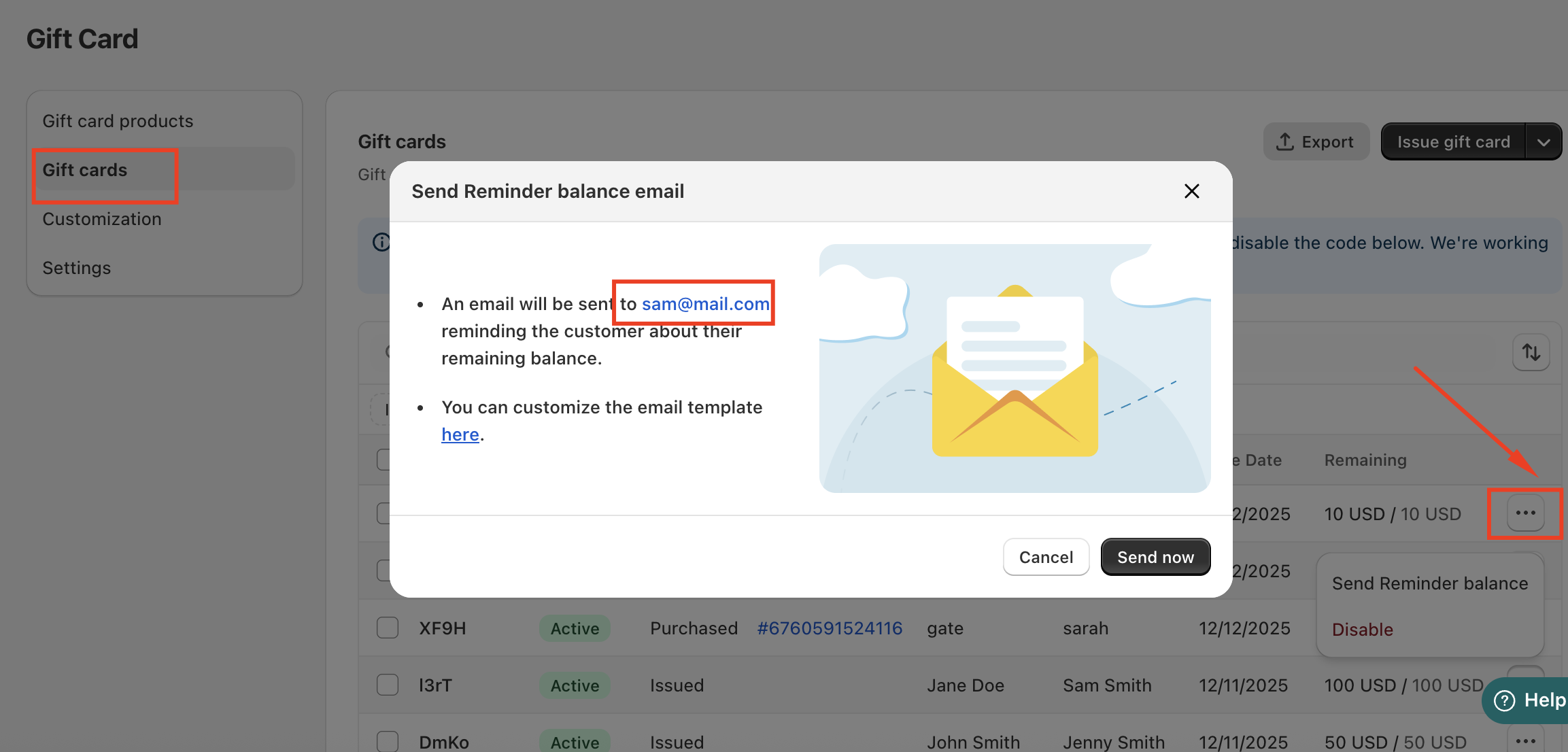
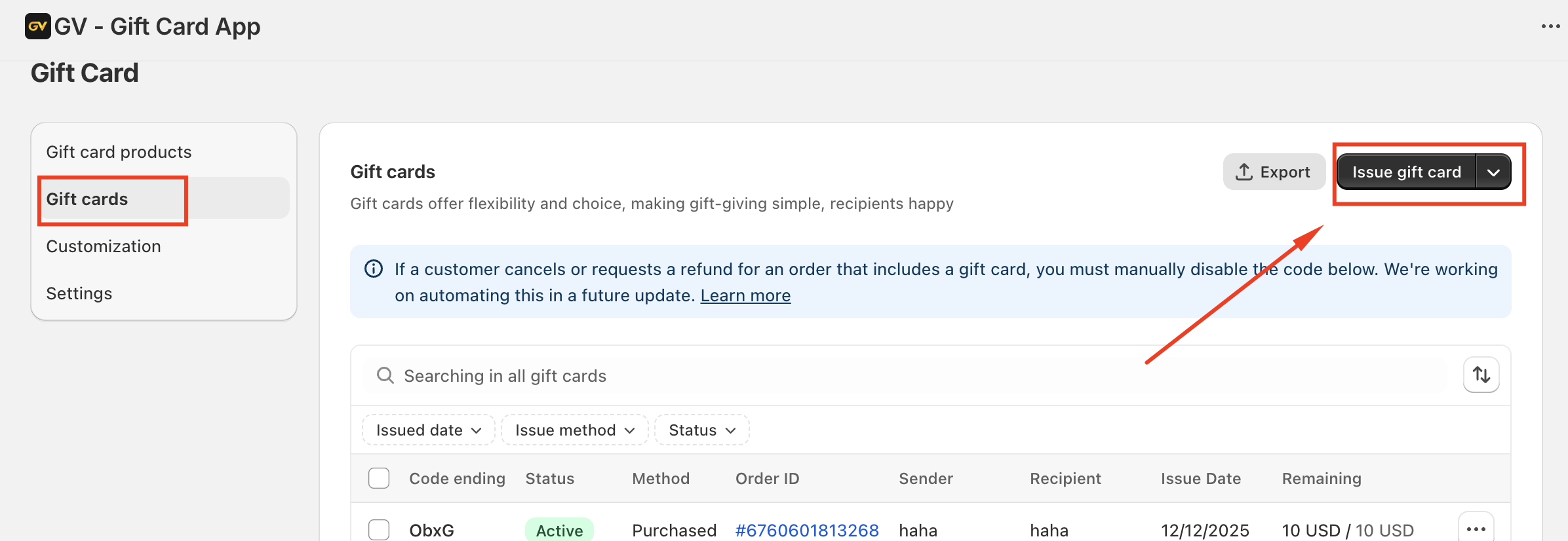
In the GV-gift card app, go to the Gift Cards dashboard, then find the gift card you'd like to work with and click on Send Reminder balance.
- 2
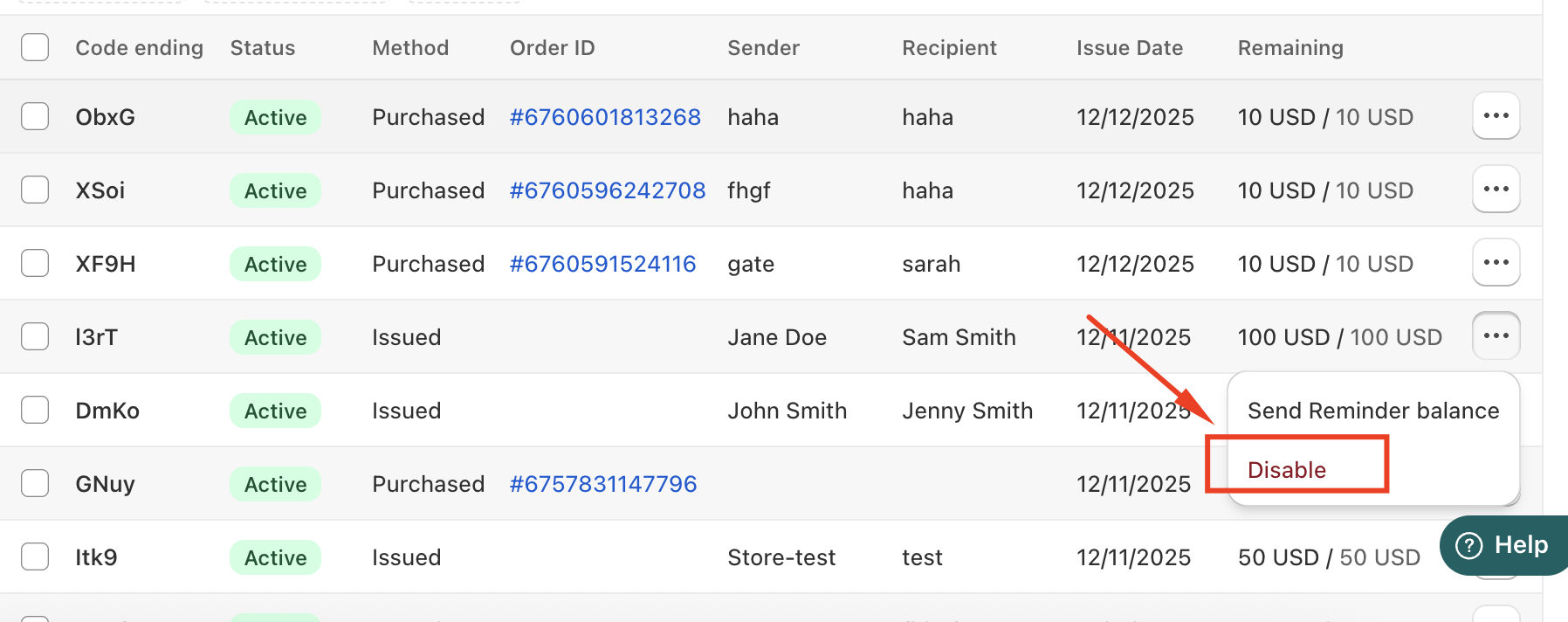
Please verify that the email address is correct. If it is not, kindly disable the current one and issue a new gift card with the correct email address.
- 3
Your email service provider is blocking the email from being sent
Using sender email addresses with domains like @yahoo.com or @hotmail.com can cause your emails to be blocked or flagged by email service providers when sending from Shopify. These providers often have strict policies that can prevent emails sent from these addresses through third-party services like Shopify from being delivered properly.
To avoid this issue, it's best to use a custom domain email address associated with your store (e.g., info@yourstore.com) as your sender email. You can set this up in your Shopify admin under Settings > Notifications > Sender email.
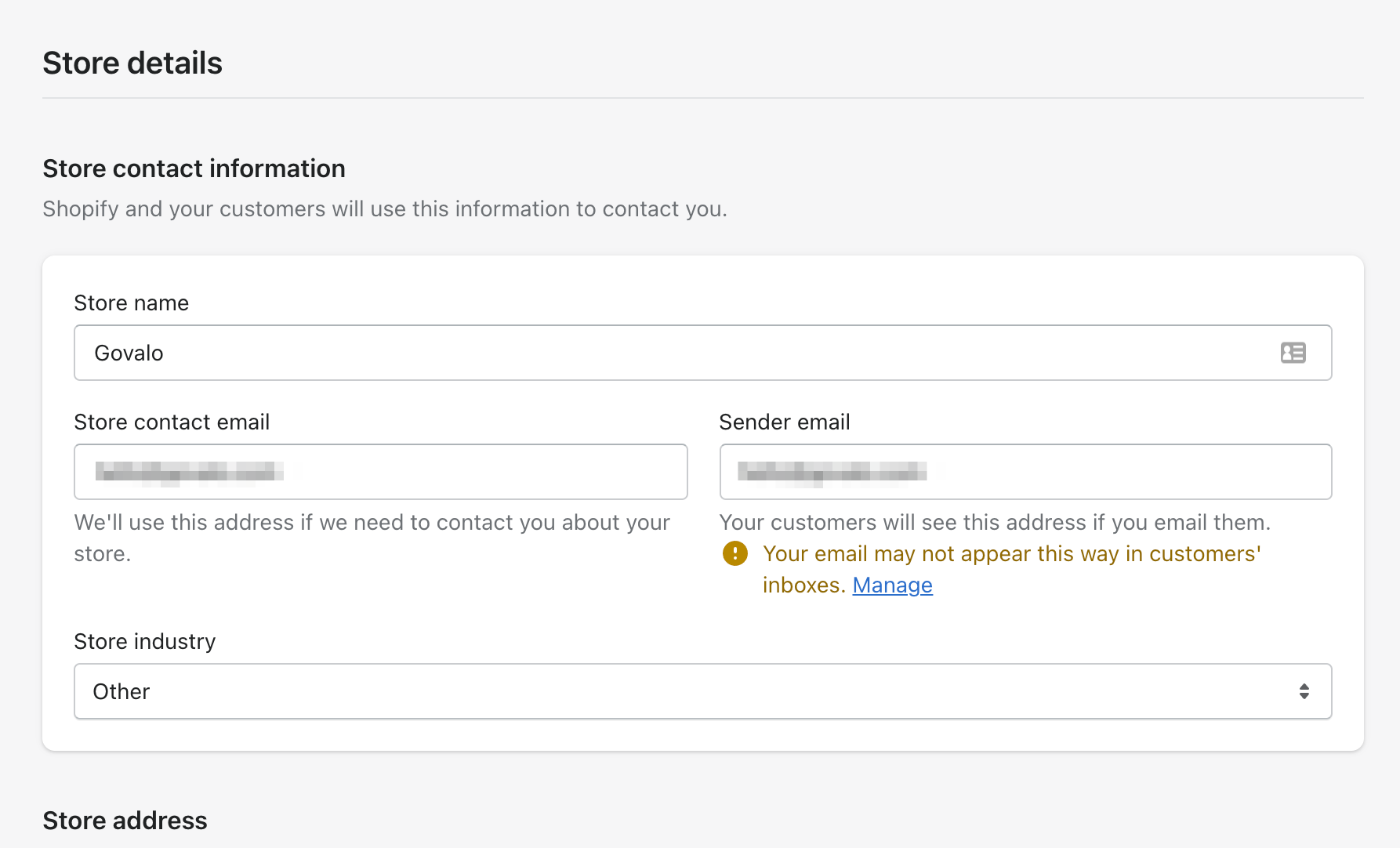
To check what email address you're using:
In Shopify, click on Settings:
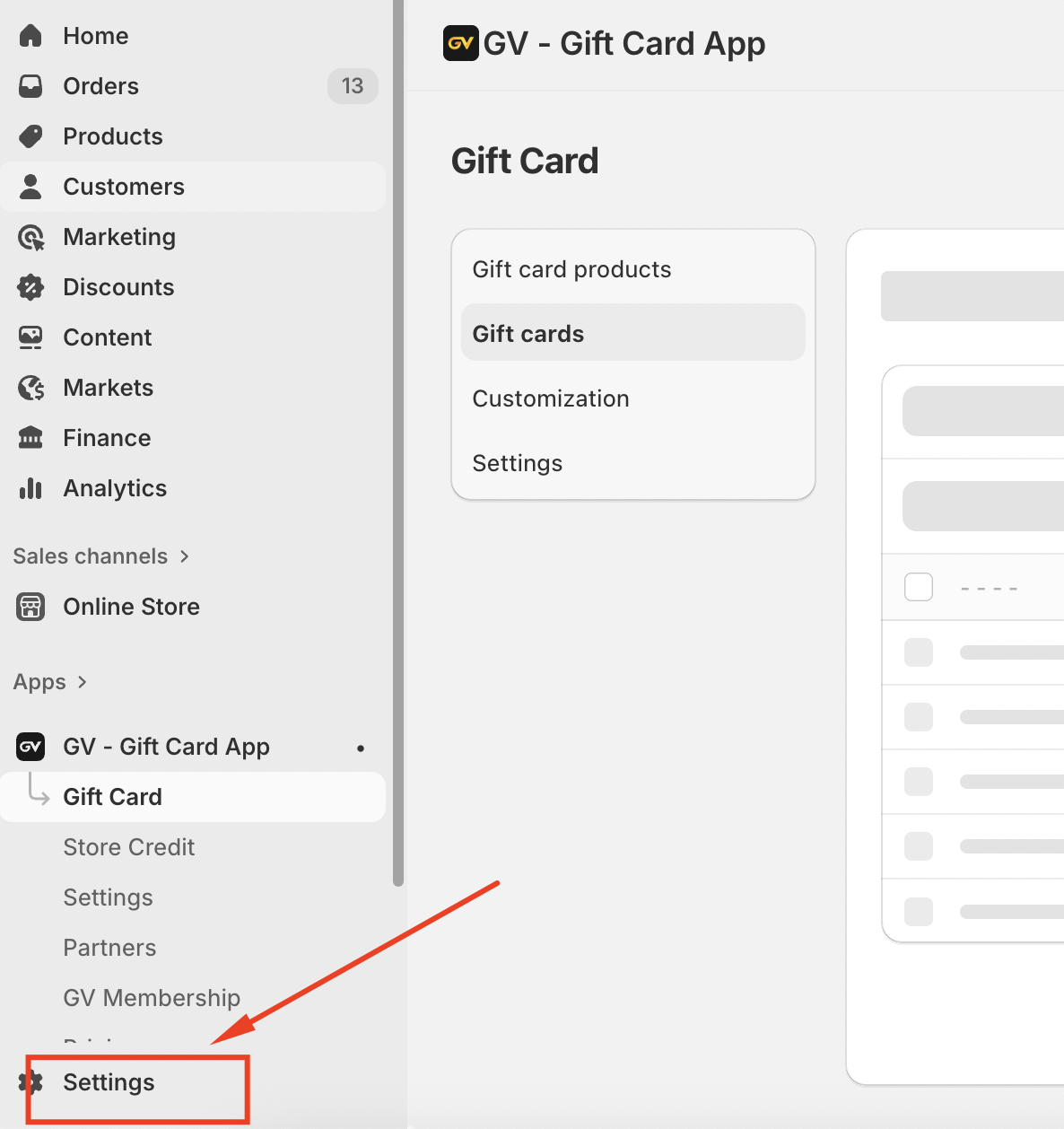
Check the email that you currently have listed. If you are indeed using either @yahoo.com or @hotmail.com, it's highly recommended to change the email to either @yourdomain.com or @gmail.com:
In case you have any further concerns, please feel free to drop us an email at support@govalos.com
Was this article helpful?
That’s Great!
Thank you for your feedback
Sorry! We couldn't be helpful
Thank you for your feedback
Feedback sent
We appreciate your effort and will try to fix the article