Adding a block to the Thank You page allows you to display GV-related content after a customer completes their purchase. Follow the steps below to add the block successfully.
Step-by-Step Instructions
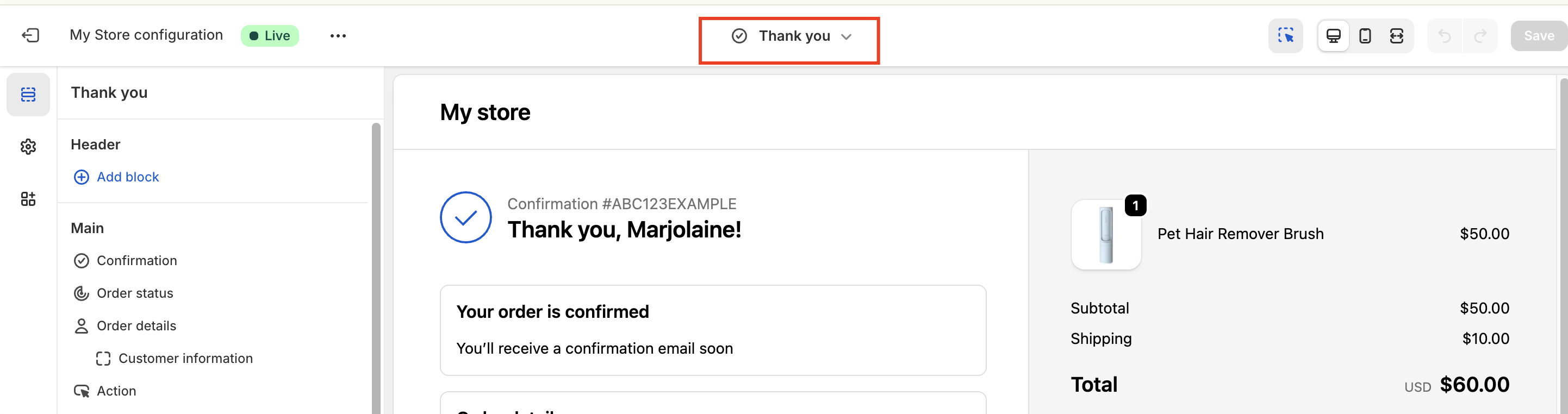
Go to the Checkout Editor
From your Shopify admin, navigate to the Checkout Editor where you manage your checkout and post-purchase pages.
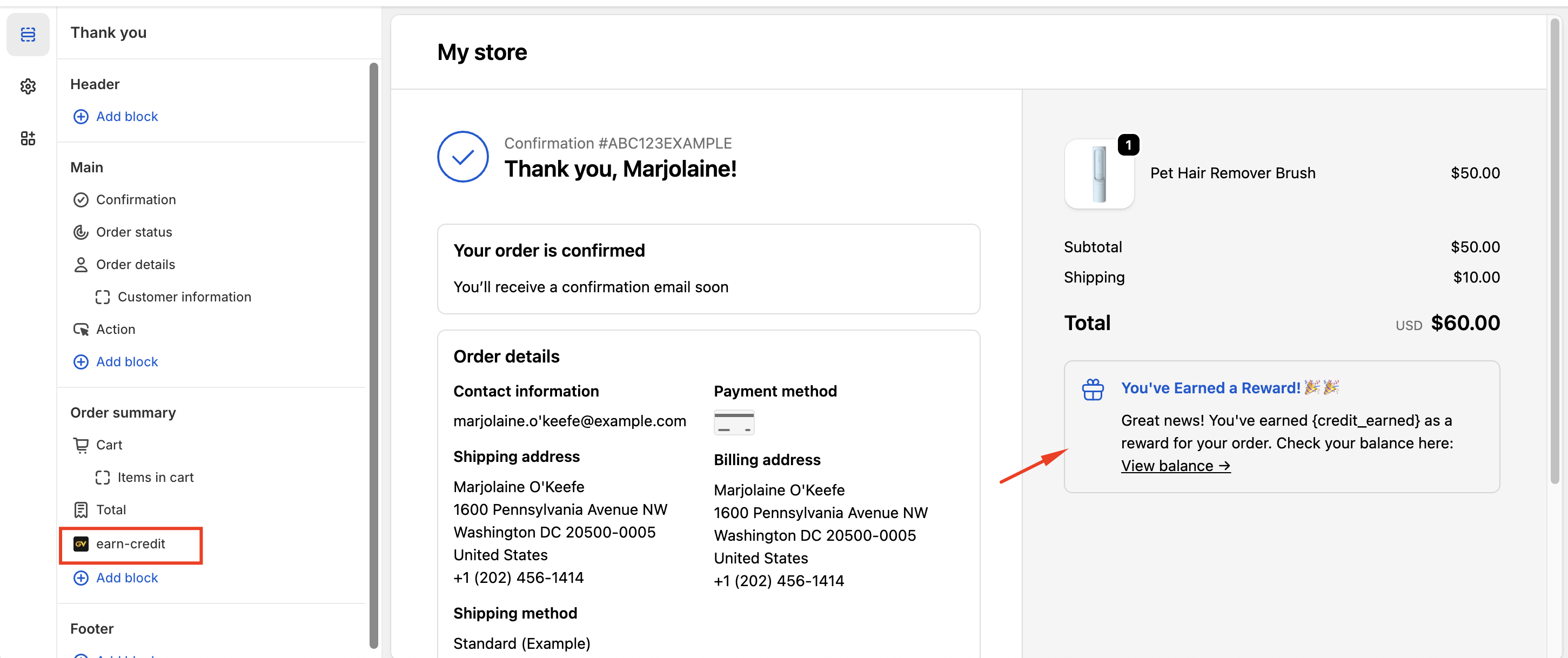
2. Add the App Block
In the section where you would like the content to appear on the Thank You page, click “Add app block.”
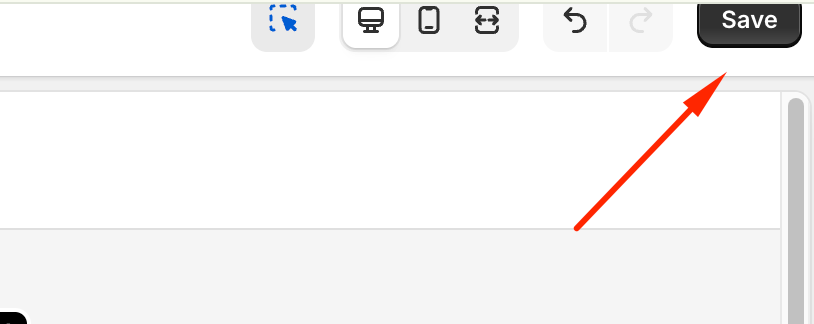
3. Save Your Changes
Once the app block has been added, click Save in the top-right corner of the screen to apply the changes.
In case you have any further concerns, please feel free to drop us an email at support@govalos.com
Was this article helpful?
That’s Great!
Thank you for your feedback
Sorry! We couldn't be helpful
Thank you for your feedback
Feedback sent
We appreciate your effort and will try to fix the article