This article explains how customers earn store credit through the Subscribe to Newsletters program on the storefront, including eligibility checks, customer actions, system processing, and UI display behavior.
Overview
The Subscribe to Newsletters program allows merchants to reward customers with store credit when they subscribe to email marketing updates.
Each customer can earn credit only once for this program. The process requires customer login and explicit email marketing consent to ensure compliance.
Flow: How Customers Earn Credit
Step 1: Program Visibility & Login
The merchant enables the Subscribe to Newsletters program.
The program is displayed in the Launcheron the storefront.
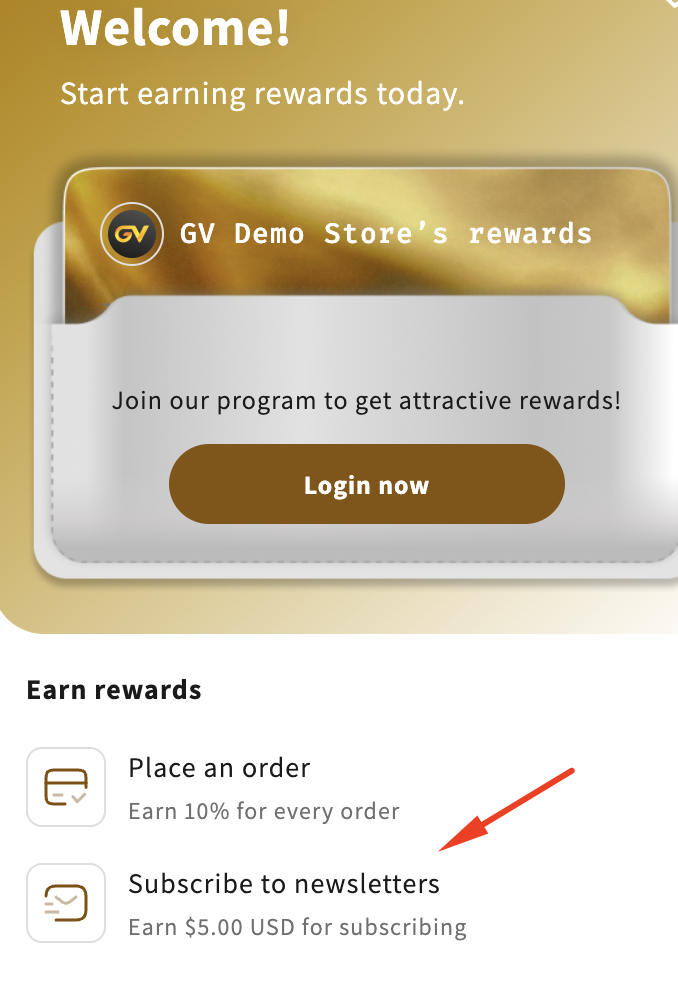
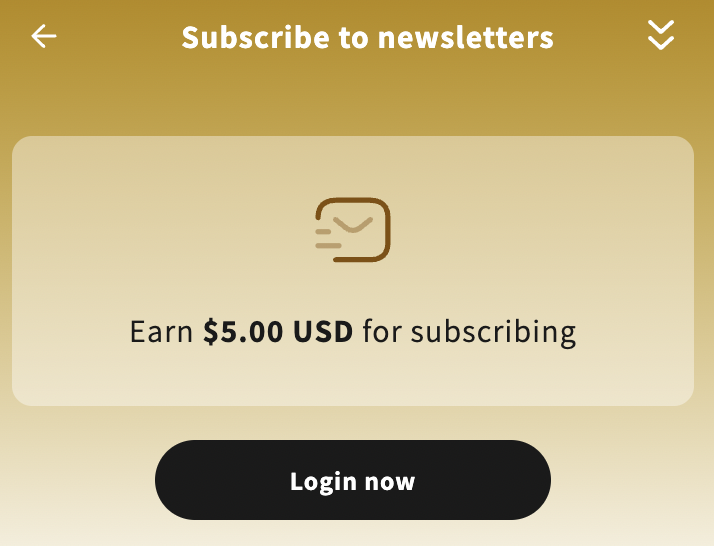
If the customer is not logged in, they must sign in to participate.
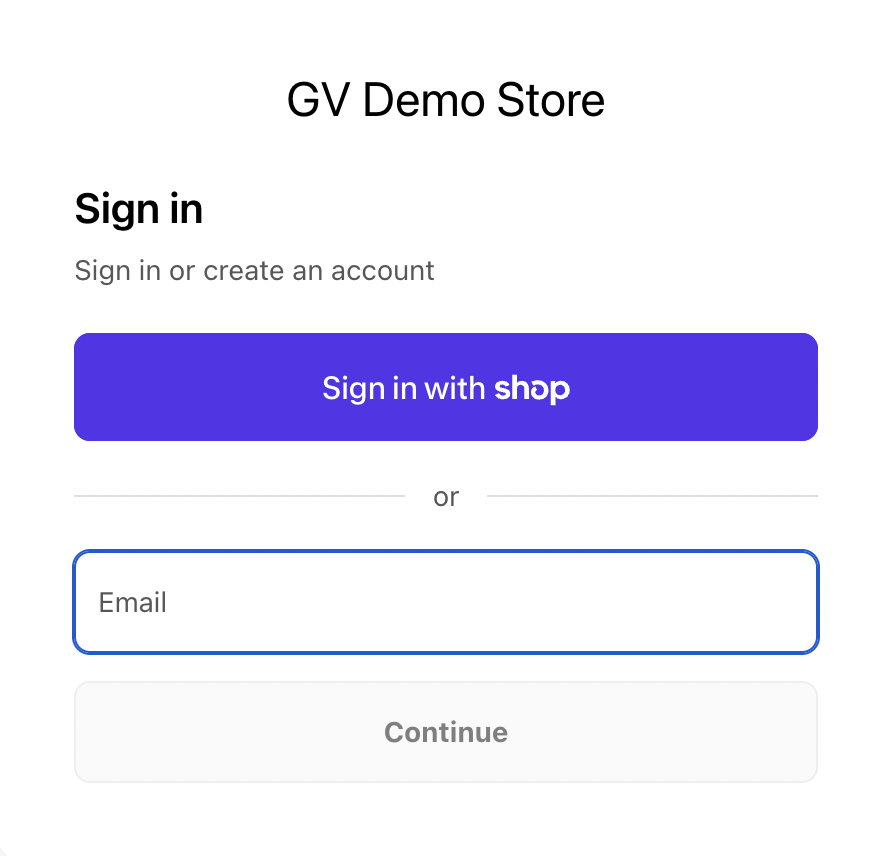
The customer is redirected to the Shopify Sign-in page.
After successful login, the customer opens the Launcher again to continue.
Step 2: Earn Eligibility Check
The system checks whether the customer’s email has already earned credit from the Subscribe to Newsletters program.
If the customer has not earned credit yet, continue to Step 3.
If the customer has already earned credit, see Step 4.
Step 3: Customer Subscribes & Earns Credit
(For customers who have not earned credit yet)
a. View Program Details
The customer can view the Subscribe to Newsletters program details directly in the Launcher.
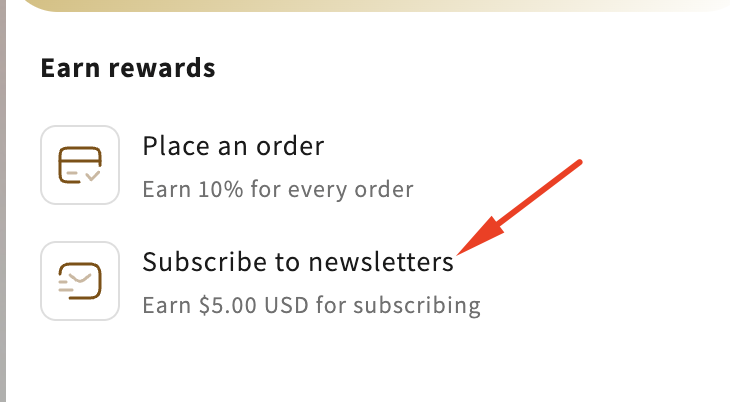
b. Subscribe to Newsletter
The customer subscribes either:
From the Launcher, or
From the store’s newsletter subscription section
When the customer subscribes:
The app records that the customer has agreed to email marketing consent
Consent data is sent to Shopify
c. Credit Issued
Store credit is added to the customer’s account.
d. Activity Recorded
The earn action is logged in the Activity section.
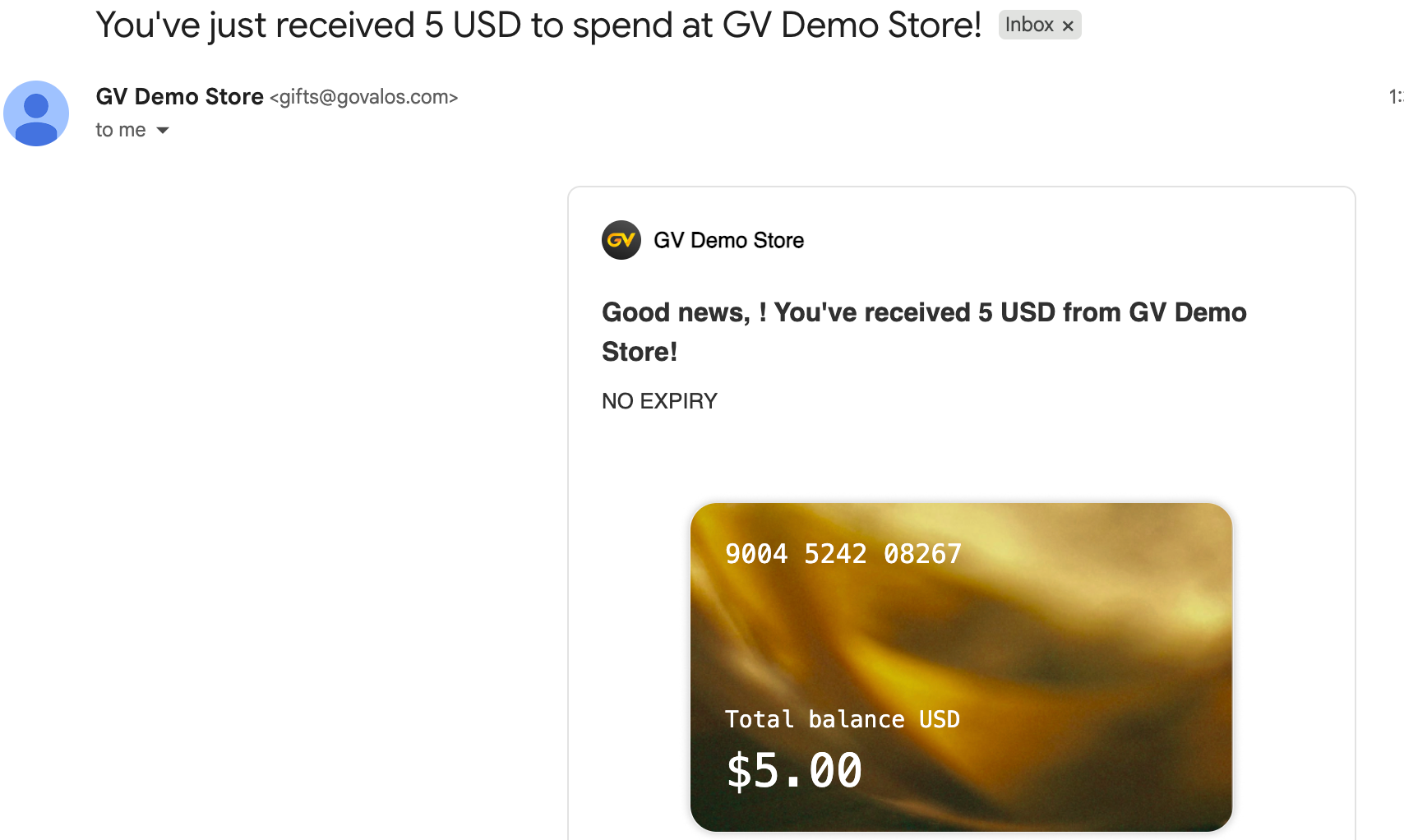
e. Credit Notification Email
A Credit Received email is sent to the customer based on email notification settings.
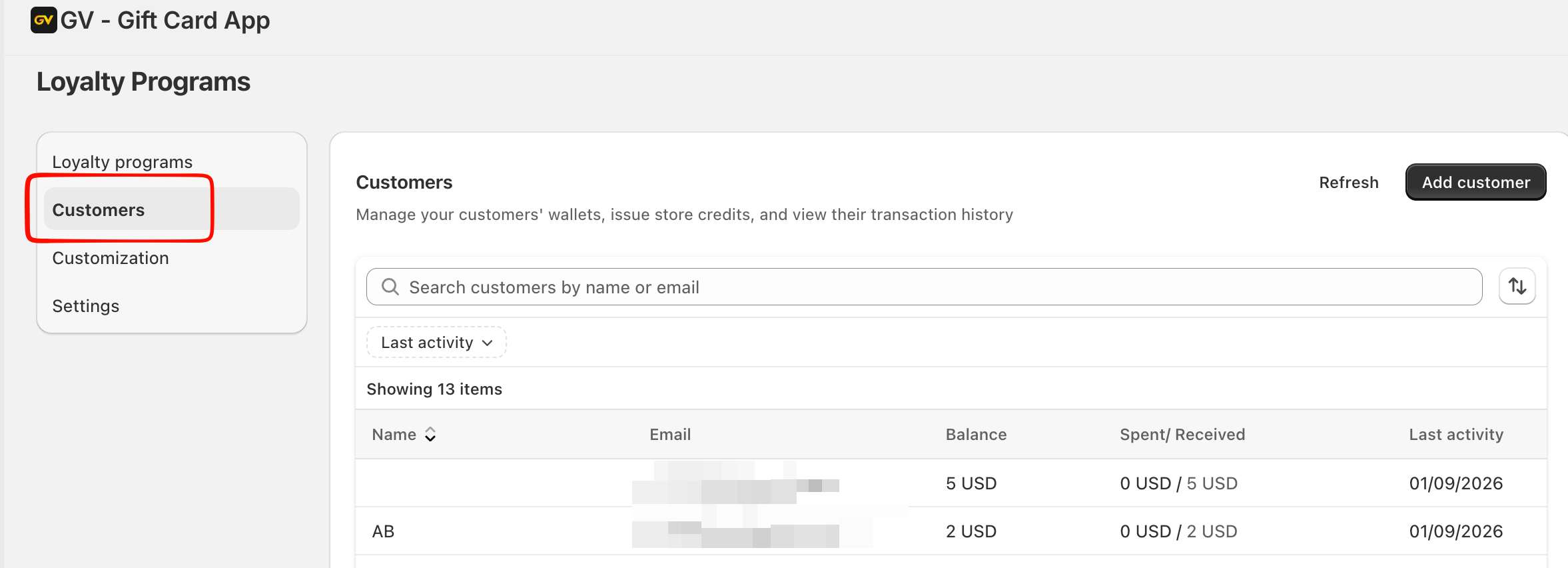
 f. Customer Record Updated
Earned credit information is saved in the Customers tab.
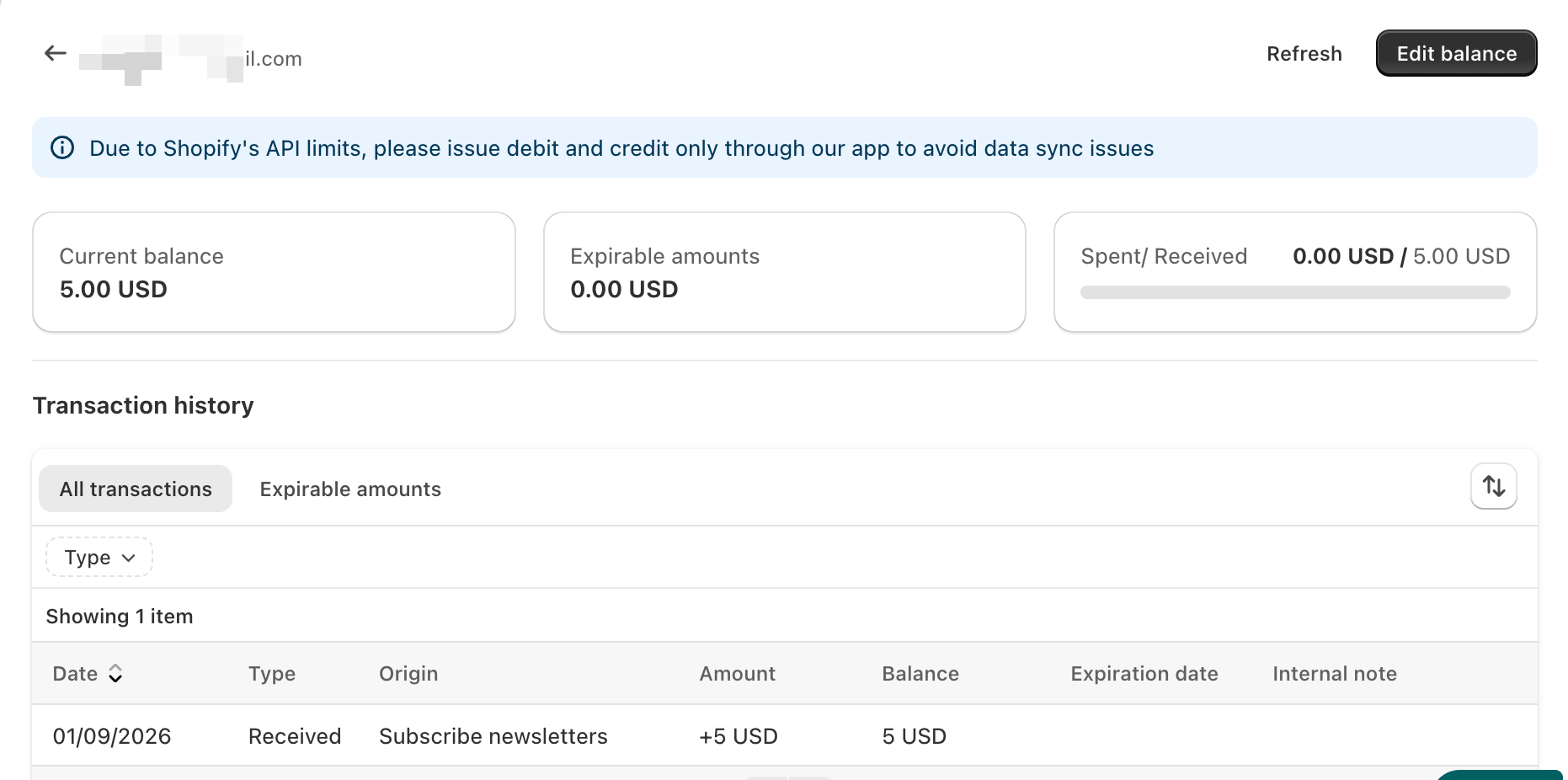
Earn History Details
Each credit earned from the Subscribe to Newsletters program includes the following information:
Date: Newsletter subscription date
Type: Received
Origin: Subscribe newsletters
Amount: Credit earned
Balance: Remaining credit balance
Expired Date: Based on the program’s expiration settings
Internal Note: Empty by default (displays merchant-entered text if provided)
Step 4: Customer Has Already Earned Credit
If the system detects that the customer has already earned credit from this program:
Each account can only receive credit once
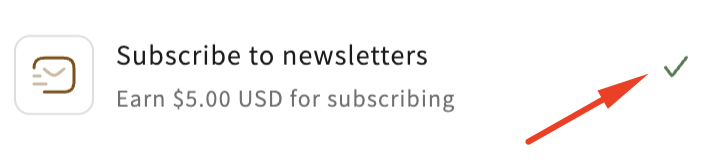
A “Completed” icon is displayed on the Subscribe to Newsletters program
The program detail page can no longer be opened
No additional credit is issued
This ensures fair usage and prevents duplicate rewards.
Display Behavior
Launcher Display Rules
Programs are displayed based on app settings.
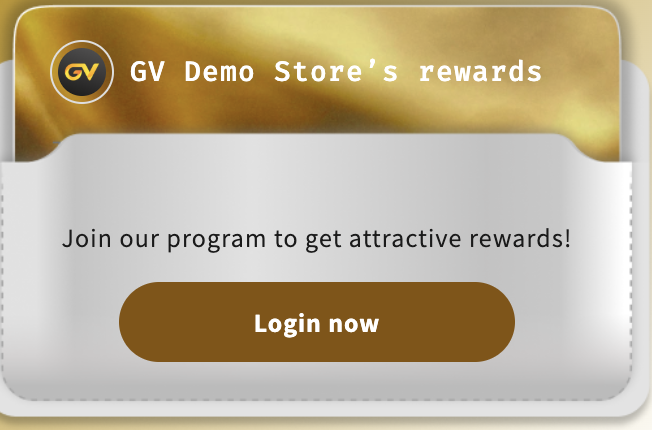
Customer Not Logged In
A Sign In button is shown
The customer must log in to proceed
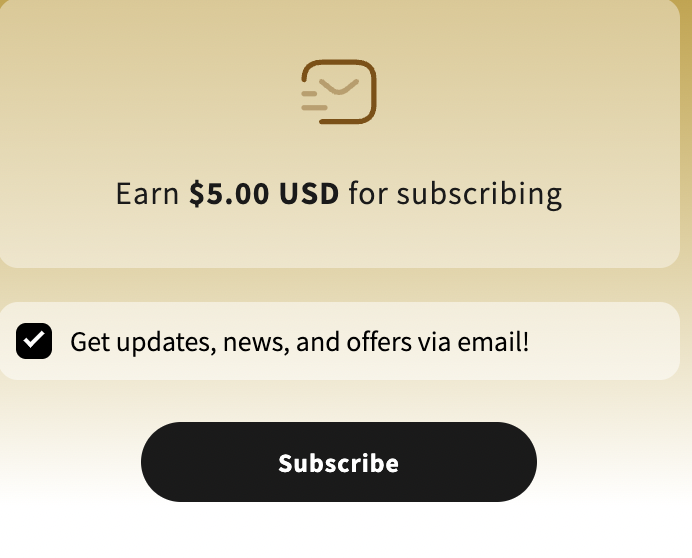
Customer Logged In
The customer must manually confirm they want to receive updates/news via email
The customer clicks Subscribe
The app records email marketing consent and sends it to Shopify
Post-Subscription Experience
After a successful subscription:
The customer is redirected back to the Dashboard
A credit-earned notification appears in Notifications
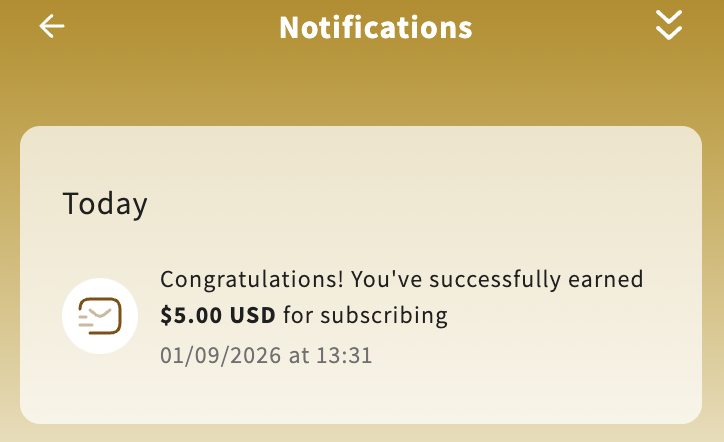
Clicking the notification redirects the customer to the Successful page
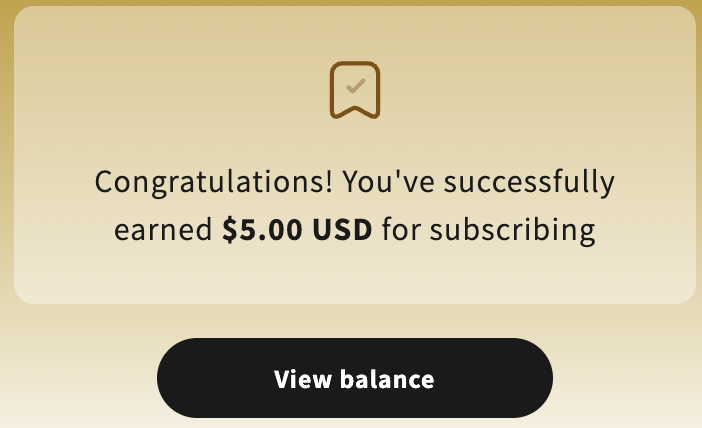
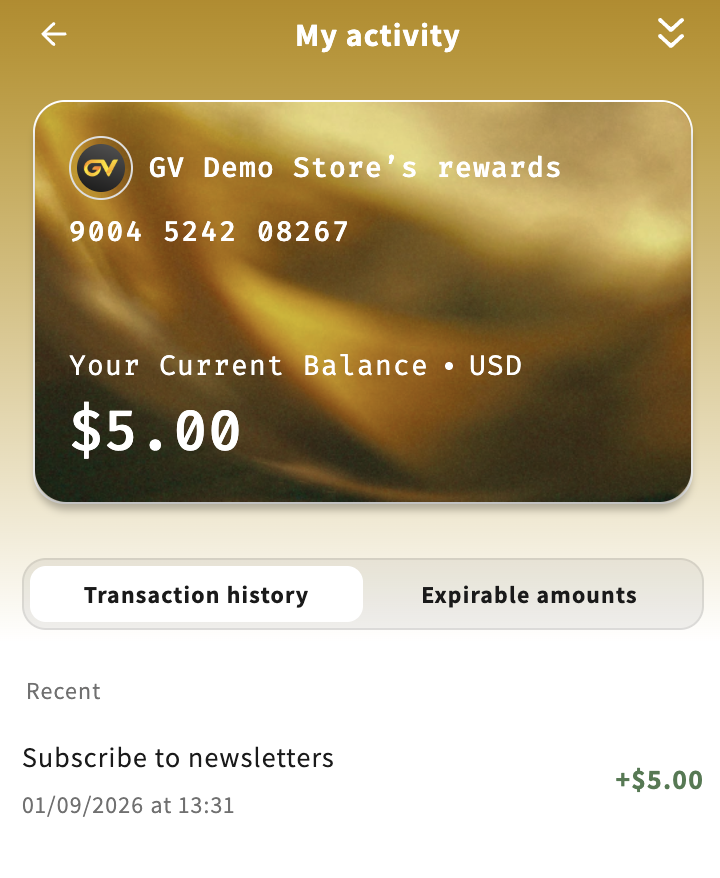
The earned credit is visible in:
Notifications
Activity log (showing the program name set by the merchant)
Completed State Display
If the customer has already subscribed and earned credit:
The “Completed” icon is displayed
The program detail page cannot be accessed again
This provides clear visual feedback that the reward has already been claimed.
Key Rules & Notes
Email marketing consent is required before issuing credit
Credit is granted only once per customer account
Credit expiration follows program configuration
Activity logs, customer records, and notifications are automatically synced
Summary
The Subscribe to Newsletters storefront flow ensures:
Compliance with email marketing consent
A seamless customer experience
Accurate tracking of earned credits
Prevention of duplicate rewards
Clear UI states for both customers and merchants
This makes the Subscribe to Newsletters program a reliable and effective way to grow your email list while rewarding customer engagement.
In case you have any further concerns, please feel free to drop us an email at support@govalos.com
Was this article helpful?
That’s Great!
Thank you for your feedback
Sorry! We couldn't be helpful
Thank you for your feedback
Feedback sent
We appreciate your effort and will try to fix the article