The Customer Account page allows your customers to view their store credit balance, transaction history, and expiring credits in one place. With the customization options available in the GV Gift Card App, you can tailor the design and content of this page to match your brand and provide a clear, seamless loyalty experience.
Accessing the Customer Account Page Customization
To begin customizing the Store Credit section on the Customer Account page, follow these steps:
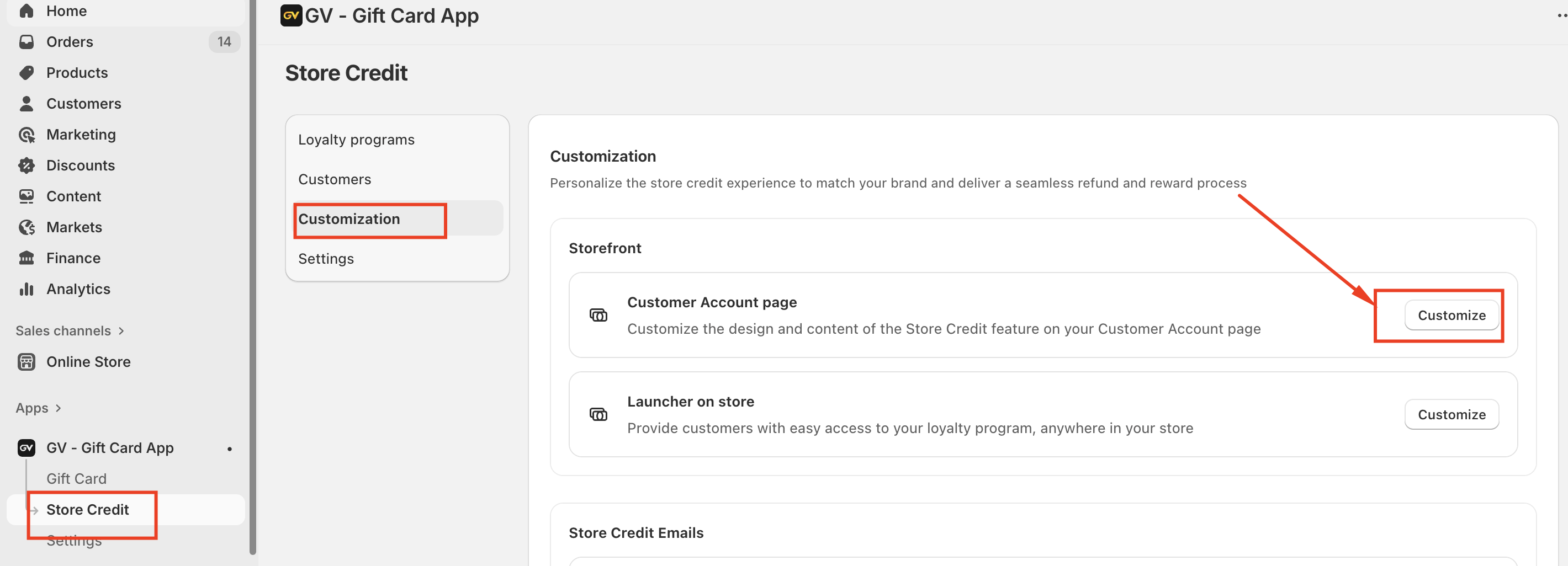
Navigate to Store Credit.
Select Customization from the left-hand menu.
Click Customize next to Customer Account page.
This will open the customization editor where you can configure how store credit information is displayed to your customers.
Customization Options Available
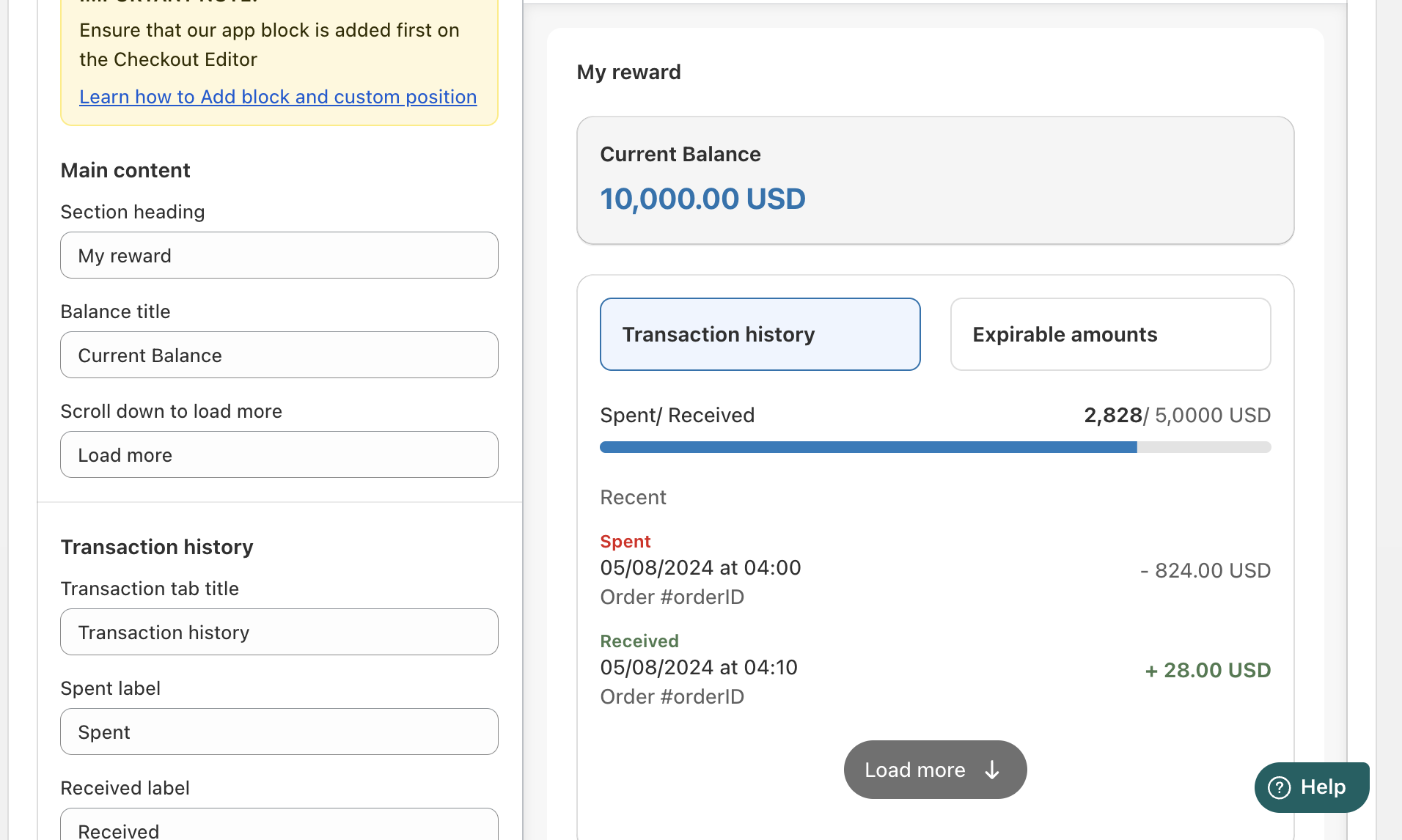
Within the customization section, you can adjust various elements of the Store Credit display, including:
Section heading (for example: “My rewards”)
Balance title (such as “Current Balance”)
Transaction history tab labels
Spent and received labels
Load more button text
Expirable amounts tab
These options allow you to control the wording, structure, and overall presentation of the Store Credit feature so it aligns with your store’s branding and communication style.
Important Note
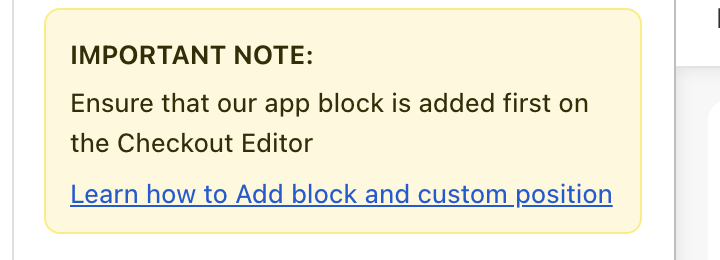
Before customizing or displaying the Store Credit information, please ensure that the GV app block has been added in the Checkout Editor. This is required for the Store Credit feature to function correctly on customer-facing pages.
Conclusion
Customizing the Customer Account page helps customers clearly understand their store credit balance, recent activity, and rewards, which can significantly improve engagement and loyalty. Once your changes are complete, make sure to save them so they are reflected on your live store.
In case you have any further concerns, please feel free to drop us an email at support@govalos.com
Was this article helpful?
That’s Great!
Thank you for your feedback
Sorry! We couldn't be helpful
Thank you for your feedback
Feedback sent
We appreciate your effort and will try to fix the article